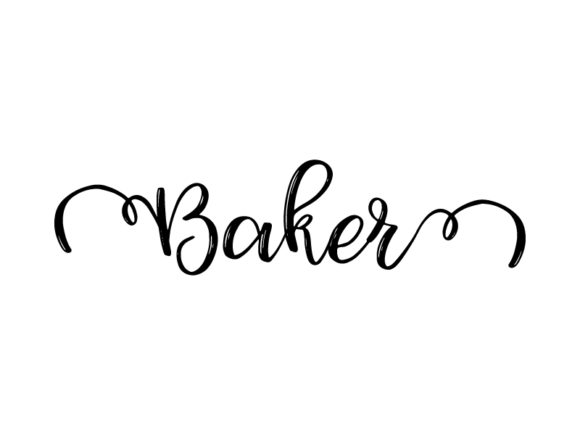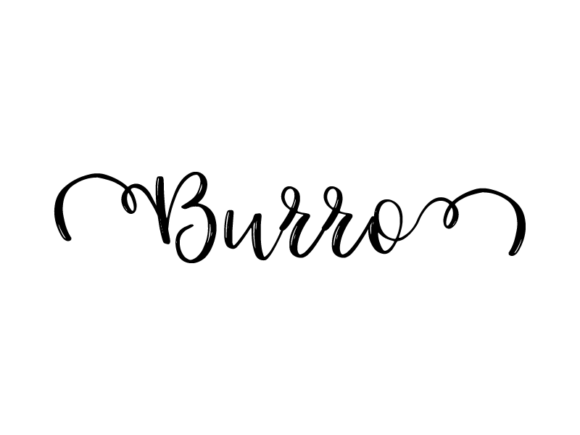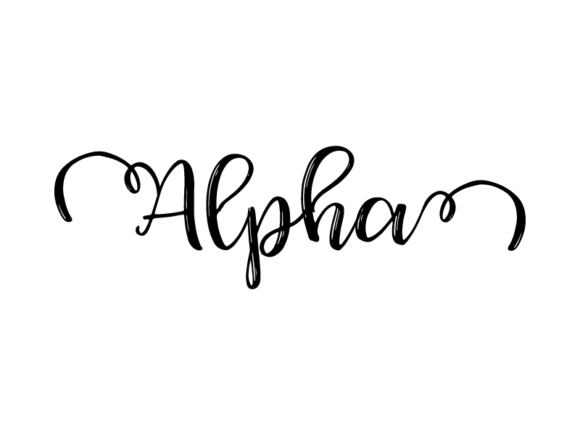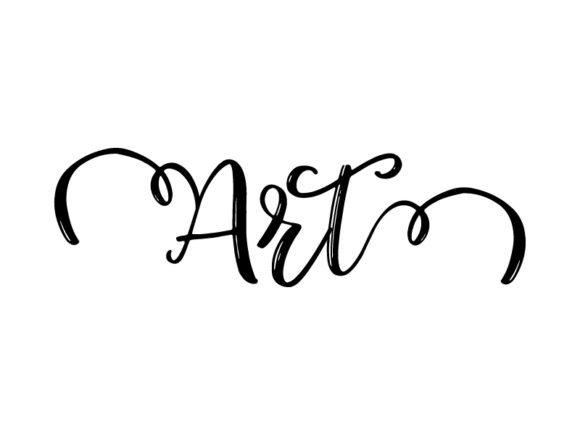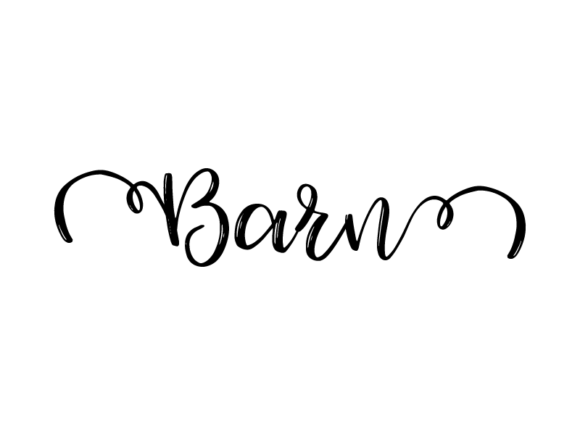
Barn Lettering: Timeless Hand-Drawn Vector Typography for Real-World Design Work
Barn Lettering is more than a visual style—it’s a functional, adaptable typographic asset rooted in American vernacular signage and rural craftsmanship. Think weathered wood, bold outlines, and confident strokes—refined into clean, monochrome vector letterforms that retain the warmth of hand-drawn authenticity while delivering the precision of digital scalability. Unlike generic fonts or overused script templates, Barn Lettering arrives as an editable SVG file: ready to drop into Illustrator, Affinity Designer, Inkscape, or Figma, then resized, recolored, layered, or modified without pixelation or quality loss.
This isn’t decorative fluff. It’s infrastructure for execution—designed to integrate into existing workflows across creative, educational, and commercial contexts. Whether you’re launching a small-batch apparel line, preparing classroom materials for 3rd graders, designing a conference banner, or building a cohesive brand identity for a local café, Barn Lettering functions as a consistent, high-fidelity typographic anchor.
How Barn Lettering Fits Into Your Workflow—Before, During, and After
Its utility unfolds across phases—not just at the “final design” stage. Before a project begins, Barn Lettering serves as a rapid visual compass. Sketching out a mood board? Drop a few Barn Lettering words—“Gather,” “Grow,” “Rooted”—to establish tone before committing to color palettes or layout grids. Its monochrome nature removes early distractions, letting you focus on hierarchy, rhythm, and message weight.
During execution, it accelerates iteration. Need a custom t-shirt graphic for a team retreat? Import the SVG, adjust stroke weight, add a subtle texture overlay, and export at exact dimensions for screen printing—all in under ten minutes. Designing a series of workshop handouts? Use the same Barn Lettering base for section headers across PDFs, slides, and printed takeaways. Consistency emerges naturally—not through manual alignment or font substitution, but because the underlying vector structure stays identical.
After delivery, its reusability pays dividends. That banner you made for a farmers’ market pop-up? Repurpose the headline lettering (with new copy) as social media cover art, a sticker sheet for volunteers, or a stitched motif on tote bags. Because it’s vector-based and monochrome, recoloring for dark-mode web assets or gold foil packaging requires only one click—not redrawing or tracing.
Compatibility and Practical Integration
Barn Lettering works where you already work. It imports cleanly into Adobe Illustrator (CS6+), Photoshop (with vector layer support), InDesign, Figma, Canva (via SVG upload), and Cricut Design Space or Silhouette Studio for physical cutting. No plugins, no licensing hurdles—just native SVG behavior. That means full path editing: tweak individual letters, break apart compound shapes for selective coloring, or combine with custom illustrations using boolean operations.
For educators, this means one file supports multiple modalities: print a large-scale poster for classroom walls, scale down the same file for student handout headers, then export simplified versions for tactile cut-and-paste activities. For marketers, it enables cross-channel cohesion—same headline treatment across email banners, Instagram carousels, and printed event programs—without managing font licenses or rendering inconsistencies across devices.
Crucially, Barn Lettering doesn’t compete with your type system. It complements it. Use it for primary headlines or short impactful phrases (“Yes,” “Now,” “Made Here”), then pair with a legible sans-serif (like Inter or Lato) for body text. This creates visual contrast without sacrificing readability—a balance many hand-drawn fonts fail to maintain at smaller sizes.
Real-World Use Cases Across Roles
- Small business owners: Apply Barn Lettering to product tags, coffee cup sleeves, and shelf talkers—then reuse the same lettering style in Google Business posts and local magazine ads. The consistency builds recognition faster than changing fonts per platform.
- Educators: Create themed classroom labels (“Reading Nook,” “Science Station”) that match seasonal bulletin boards. Edit stroke width for younger students needing bolder visual cues—or simplify paths for cut-out crafts.
- Freelance designers: Offer Barn Lettering as a customizable add-on for branding packages. Clients get immediate visual distinction without custom lettering fees—and you retain full control over spacing, kerning, and stylistic tweaks.
- Hobbyists & crafters: Load the file into your cutting machine software, adjust size for vinyl decals on mugs or wood signs, and run multiple variations in one job—no manual resizing between projects.
- Bloggers & content creators: Generate shareable quote graphics in seconds: paste a line of text, apply Barn Lettering, add a neutral background, export as PNG or JPG. No need to hunt for “vintage” fonts that render poorly on mobile.
Workflow Tips for Efficiency and Quality Control
Start organized. Rename layers in Illustrator (“Main Word,” “Shadow,” “Decorative Element”) so edits stay traceable across versions. Group related letters before scaling—this preserves relative proportions and avoids accidental distortion. When prepping for print, convert strokes to outlines and check for stray anchor points using Illustrator’s “Pathfinder > Clean” function.
For long-term use, build a master library. Save variants: standard weight, bold outline, distressed version (with intentional roughness applied via raster effects), and simplified single-line version for embroidery or laser engraving. Tag each file clearly—“BarnLettering_Headline_Bold.svg”, “BarnLettering_SingleLine_Embroidery.svg”—so retrieval is instant, not iterative.
Test early and often. View exported files at actual usage size: zoom to 100% in your browser for web banners, hold a printed proof at arm’s length for posters, or tape a vinyl test cut to a real mug. Monochrome doesn’t mean low-contrast—ensure legibility against both light and dark backgrounds by checking luminance values in your design app.
Why This Approach Endures—Beyond Trends
Barn Lettering succeeds because it bridges intention and implementation. It’s not “vintage for vintage’s sake.” It’s human-scaled typography—designed to be read, recognized, and remembered. Its monochrome base eliminates guesswork around color matching across substrates (fabric dye vs. ink vs. screen). Its vector foundation ensures fidelity whether scaled to 2 inches on a luggage tag or 20 feet on a warehouse wall.
More importantly, it respects your time. You don’t need calligraphy training, tablet proficiency, or hours of trial-and-error to achieve authentic, hand-crafted impact. You need clarity about your message, awareness of your audience’s context, and a reliable tool that responds predictably to your decisions. Barn Lettering delivers that responsiveness—without abstraction, without overhead, and without compromise on quality.
It fits where you are: mid-project, mid-semester, mid-launch. Not as a final flourish—but as working material. Something you reach for when you need to communicate clearly, connect meaningfully, and execute confidently—across mediums, audiences, and timelines.